Request
Configuration
For each method, the user can define a corresponding Request.
Display and Configure a Request
To configure a Request, click on the Method to open the configuration panel.
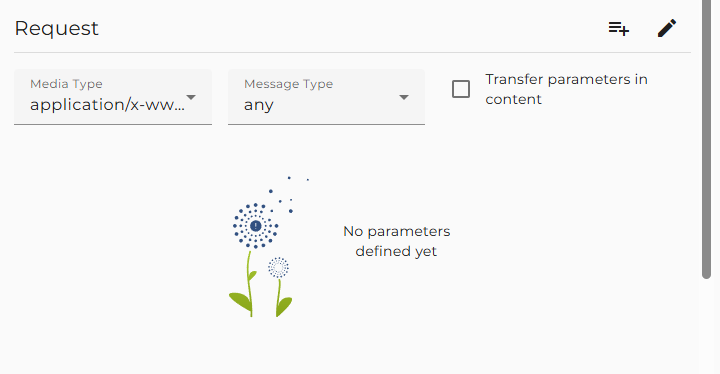
Here the user can configure the properties of the Request
-
Media type: Defining the format of the method request. If you click on the Example button, you can add an example for the request message. This example is added when exporting the service as OpenAPI specification.
-
Chunked mode: In case of large messages, the transfer encoding chunked will reduce memory consumption because Orchestra need not serialize the message completely in memory before sending it over the HTTP connection.
-
Transfer parameter in content: If the media type is
application/x-www-form-urlencodedormultipart/form-data, a checkbox named Transfer parameter in content appears.
If selected, the query parameters are transferred in the HTTP content using the selected format. If not selected, the query parameters are transferred in the URL, and the HTTP content is created from the message parameter MSG. The message must then be structured according to the message type form-data-type. -
Message type: You can select a Message Type to use for the Request. This information is used to configure the JSON writer with the appropriate message type. In the configuration of the serializers, you must select
<configured type>to ensure that this message type will be used in the JSON writer. -
JSON schema: In OpenAPI, the content of a Request is defined by a JSON schema. You can display and edit this schema by clicking on the button Edit schema.
Typically, the schema of a Request is a reference to a JSON schema contained in a scenario element of type Resource. If an OpenAPI specification is imported, all the schemas contained in the components part of the specification are imported into a new Resource. -
Method parameters: Defining the request parameters of type query or header.
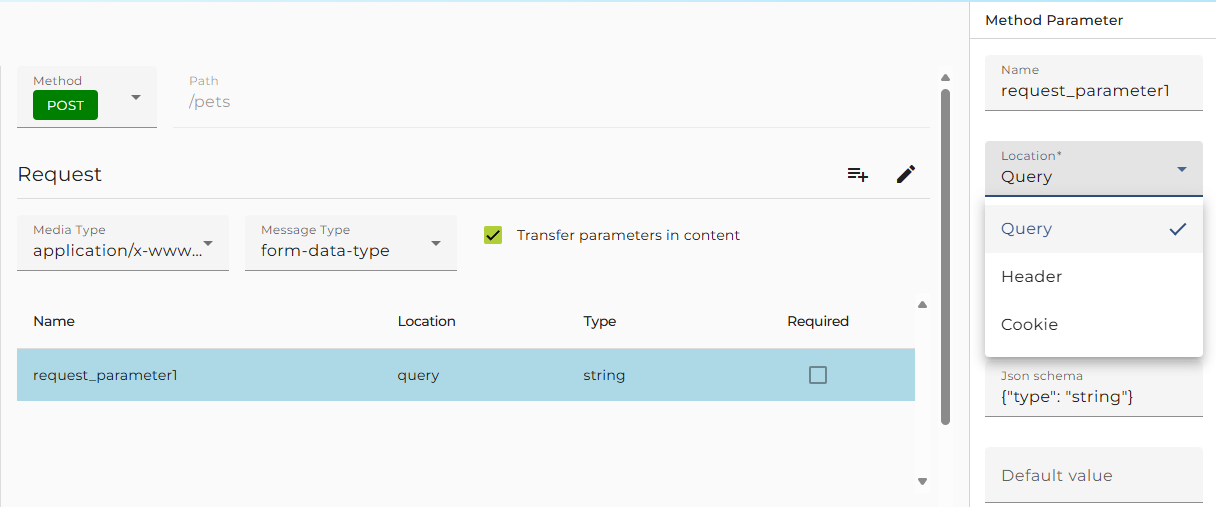
There are two locations where a parameter value can be transferred: query, header, or cookie.
If you have chosen a parameter of type cookie, it is forbidden to define a parameter of type header with the name Cookie because the values of the cookie parameters are all encoded as values of a header parameter named Cookie, and therefore it would not be clear which one to use.-
If a parameter is defined as Required but no value is assigned from the caller and no Default value is defined, the call will fail with an error.
-
If you click on the Type of the parameter, the Parameter editor opens, where you can modify the serialization style of the parameter (form, pipe delimited) and its type. The type is defined by a JSON schema.
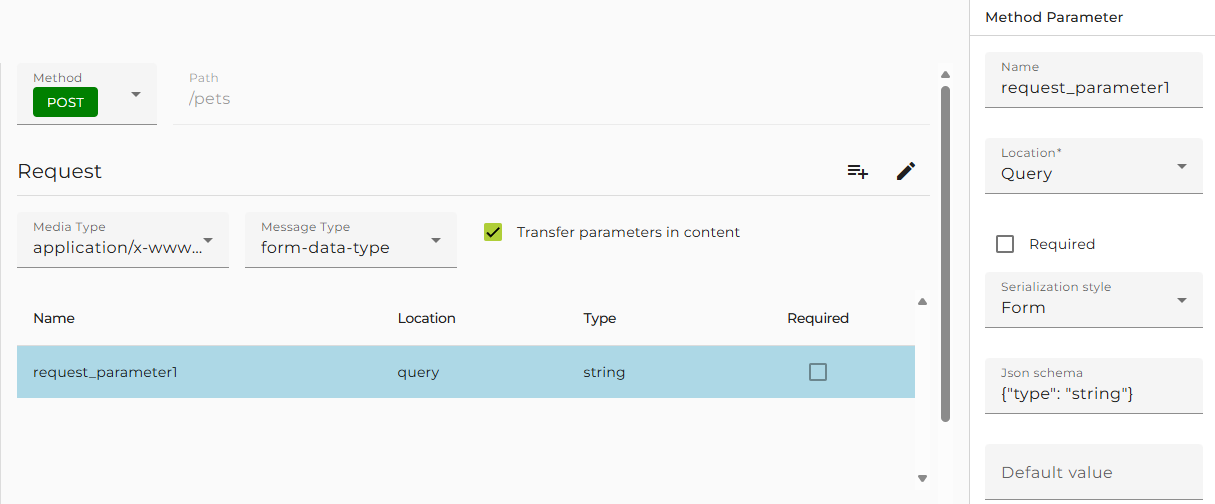
See the standards URI Template (RFC6570) or OpenAPI for more examples.
To assign a sequence of values to the REST service client, in previous versions of Orchestra, the user had to assign a string whose value is a JSON array containing the values to transfer.
Starting from Orchestra 4.15.0.0, the REST service client requires a JSON message containing the values. The customer API contains a set of methods to create such a message.
Example to create a message containing two values, 42 and 99:
soffico.customerapi.util.JsonHelper.toJsonMessage(42,99) -
-
If you have selected the media type multipart/form-data and the parameter style is query, you will typically define a more complicated schema resembling the structure of the form-data part.
In many cases, this will be a reference to a JSON schema in the corresponding Resource. In this case, you must assign a message to the parameter in the process model. Then, the content of this message is serialized as the content of the form-data part, and the value of the message property FILENAME is transferred as the filename parameter in the Content-Disposition of the form-data part.
This is typically used if you need to upload a file to a REST service.